In this chapter
Reports & analytics · Add-on
| Report | Answers the question |
|---|---|
| Revenue Reports | How much did we earn, from which source, and over what period? |
| Occupancy Reports | How full were our rooms, and on which days? |
| P&L Report | Is the hotel making a profit? |
| Food Sales Analytics | Which dishes sell best, and which don't? |
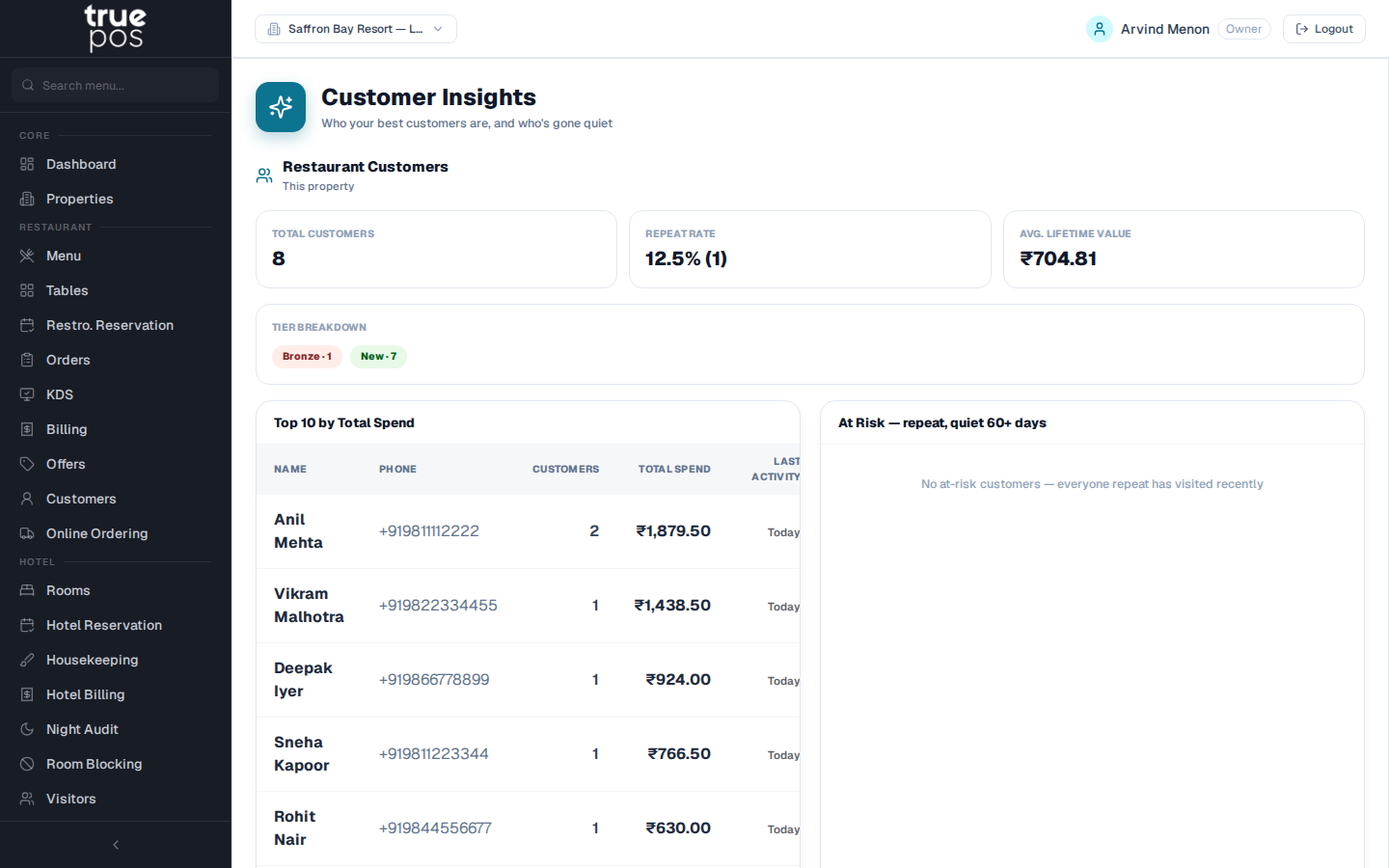
| Customer Insights | Who are our best customers and guests, how many return, and who hasn't visited in a while? |
Customer Insights brings restaurant customers and hotel guests together. It groups them into loyalty tiers, and shows the repeat rate, lifetime value, a list of top customers and a list of those at risk of not coming back.
Promotional campaigns · Add-on
Send targeted offers by SMS, email or WhatsApp.
- Choose an audience, for example Gold-tier customers or guests who haven't returned.
- Write the message, or pick an approved WhatsApp template.
- Send yourself a test.
- Send now, or schedule it for later.
Customers who have opted out of marketing are excluded automatically.
Notifications
Guests and customers can receive automatic messages, such as a reservation confirmation or a reminder before their booking, by SMS, email or WhatsApp. You choose which messages are switched on and can edit their wording.
Users, roles & security
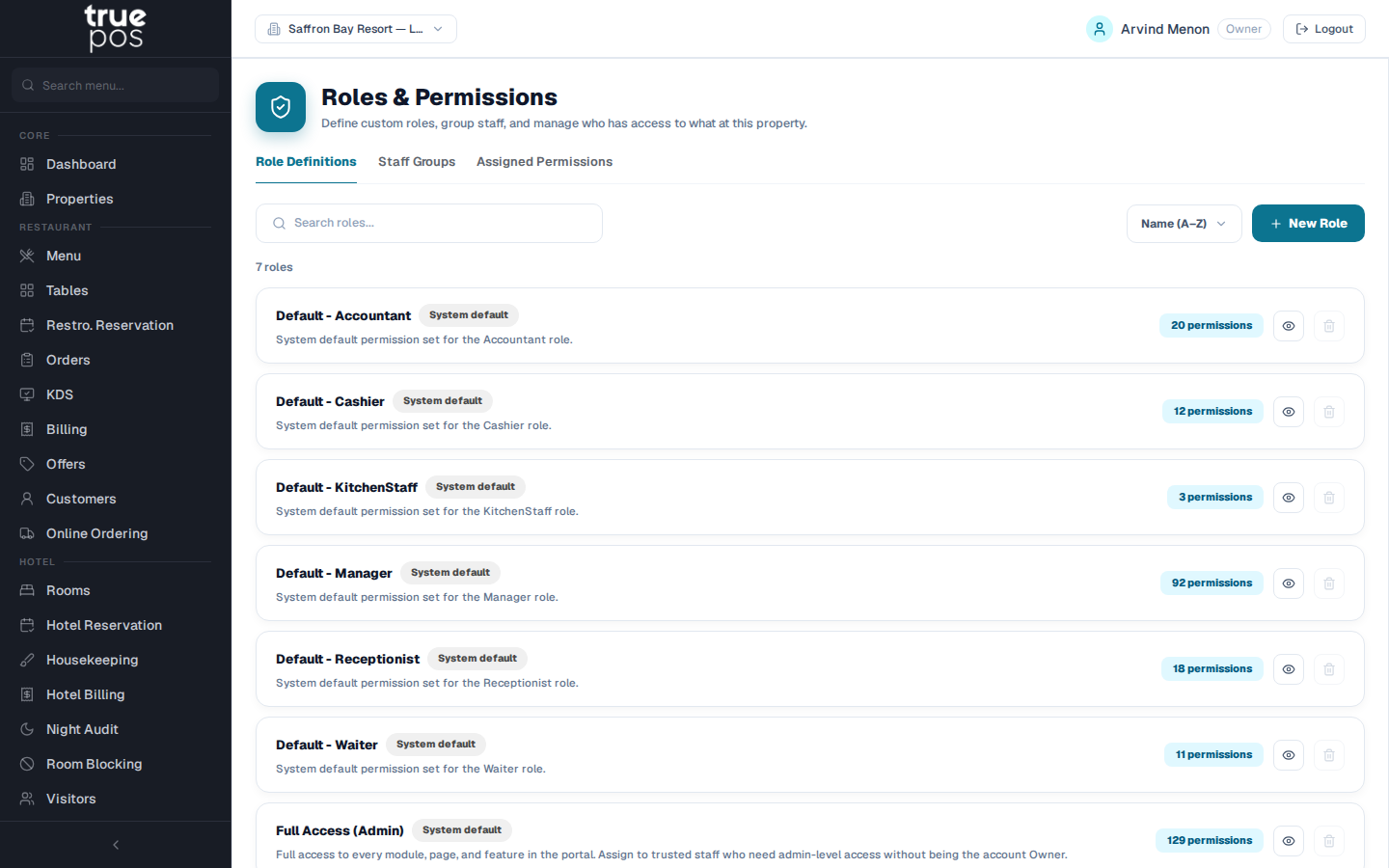
- Roles and permissions (RBAC): use the ready-made roles (Manager, Cashier, Waiter, Kitchen Staff, Receptionist and Accountant, plus a Full Access preset), or create your own custom roles and choose exactly what each one can view and change.
- Assign roles to staff per property.
- Audit Log: a record of who changed what, and when.
Settings
Each property has its own settings for currency and default GST rate, QR self-ordering, payment gateway, receipt and printer layout, invoice layout, notifications and the kitchen display. The account owner also sees which modules are active on the plan.