In this chapter
The restaurant day, end to end
A typical order passes through these screens:
| Step | Screen | What happens |
|---|---|---|
| 1 | Restro. Reservation | A guest books a table, or several tables for a large party. |
| 2 | Tables | Staff seat the guest. The floor plan shows each table's status at a glance. |
| 3 | Orders | A waiter takes the order. The Kitchen Order Ticket (KOT) prints automatically. |
| 4 | KDS | The kitchen sees the order on screen and marks items as prepared. |
| 5 | Billing | The cashier generates a GST bill, applies any offer, and takes payment. The receipt can be printed or sent on WhatsApp. |
Menu
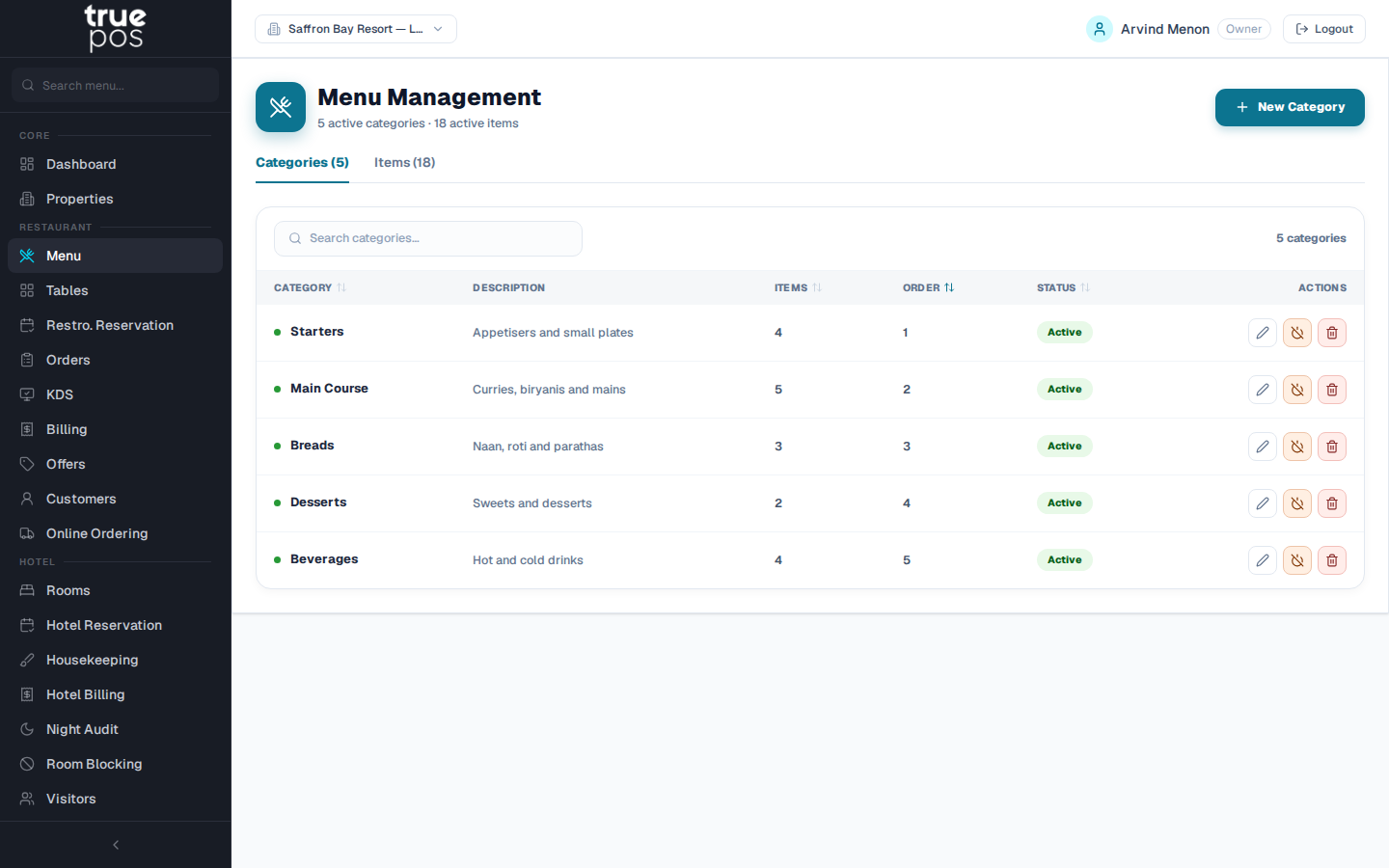
Build your menu as categories and items, each with a price, tax and availability. When you add many items in a row, the form stays open after each save, so you can enter a whole menu quickly.
Tables & floor plan
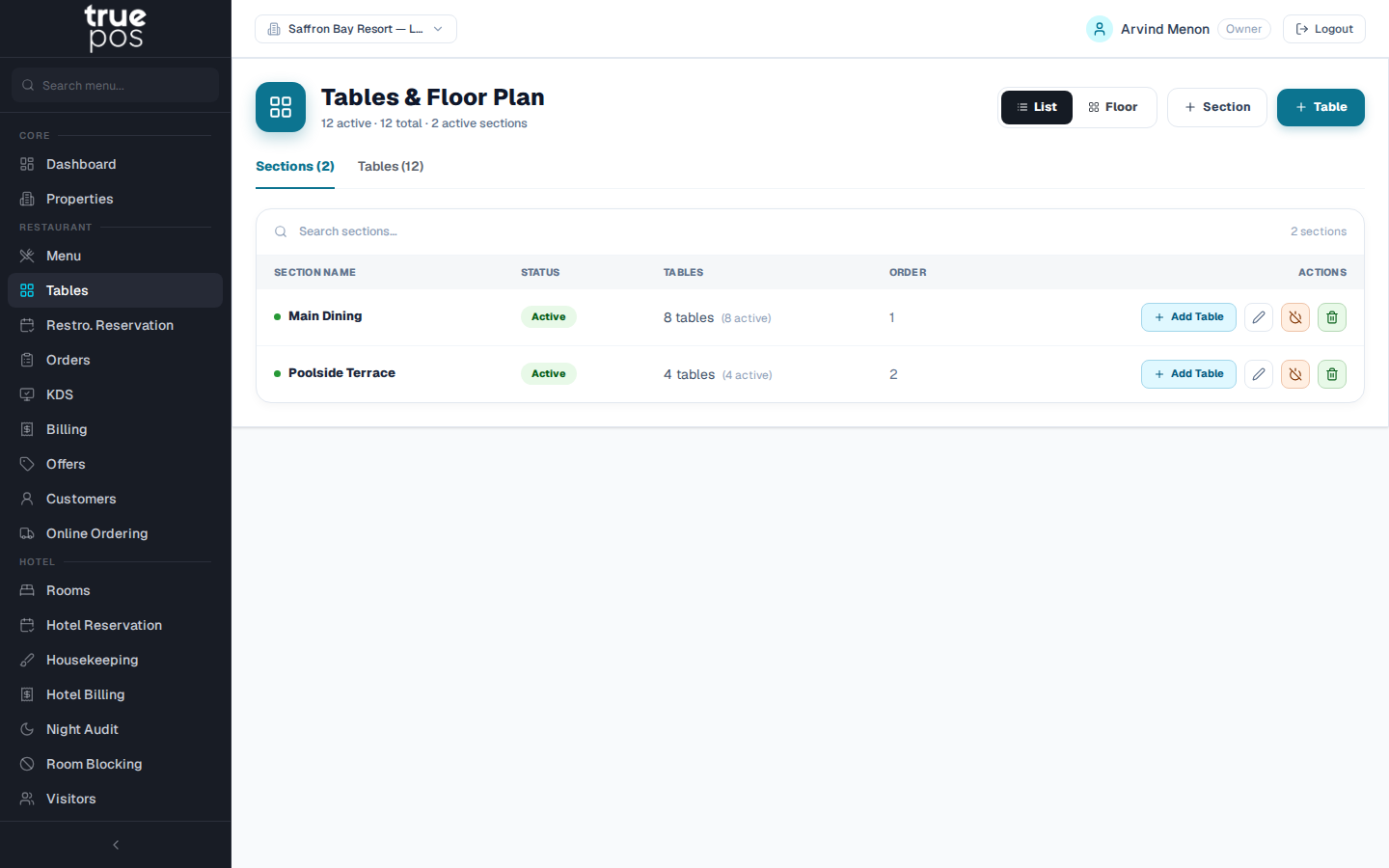
Set up your floors and tables, then manage service from a live floor plan. Every table shows its status (for example available, occupied or reserved), and staff change it with one click. Each table can have a QR code, so guests can scan it and order from their phone.
Restaurant reservations
Take bookings for one table or several tables together for a large party. You can mark a date as Fully Booked to stop new bookings. When the guest's bill is paid, the reservation completes automatically, and cancelling a reservation always asks for a reason.
Orders (POS)
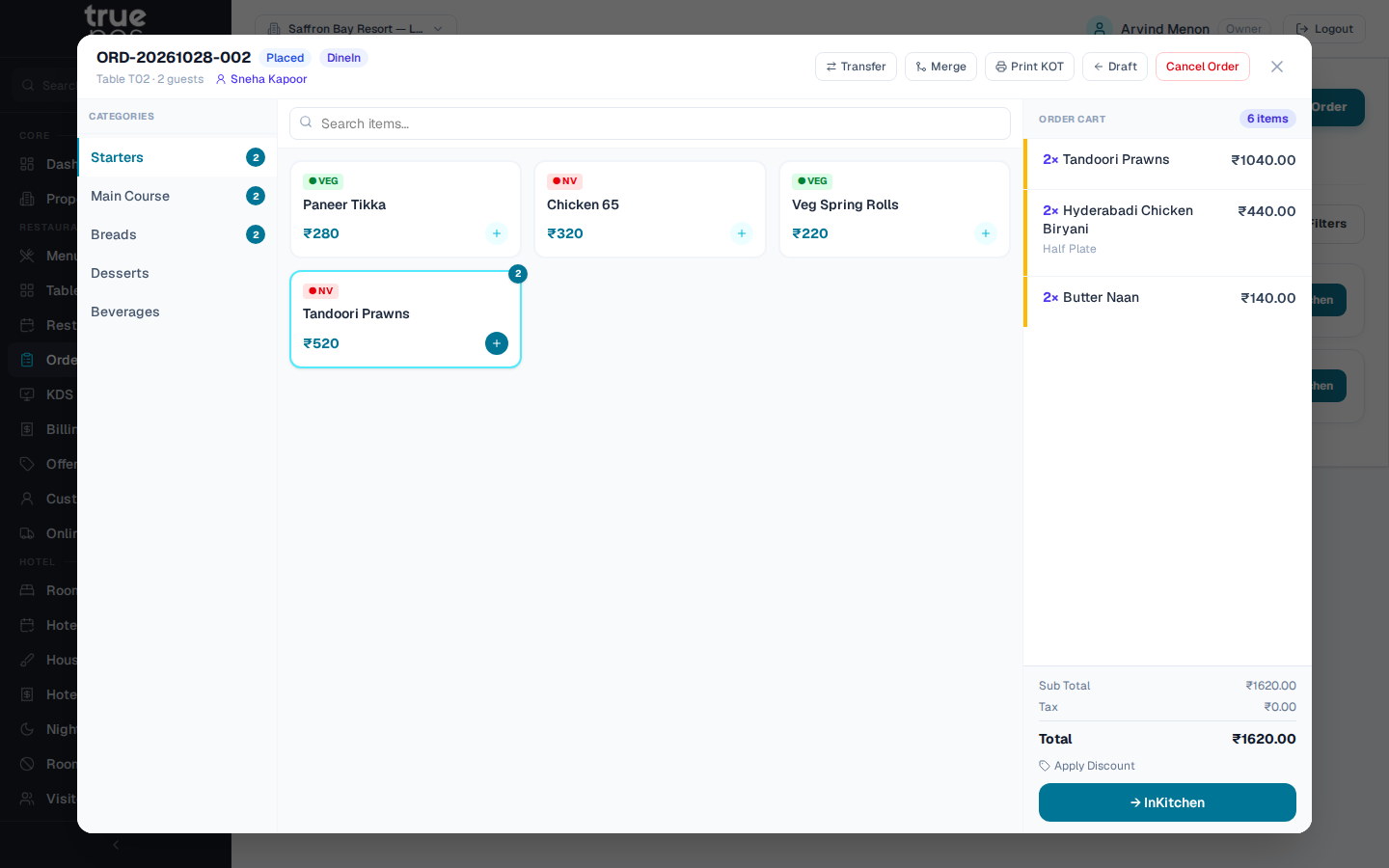
Take Dine In, Takeaway and Delivery orders from a single screen. The form asks for the right details for each type, such as the table and waiter for dine-in, or the delivery address for delivery. A KOT prints automatically when the order is placed, and you can reprint it at any time.
Kitchen Display System (KDS) · Add-on
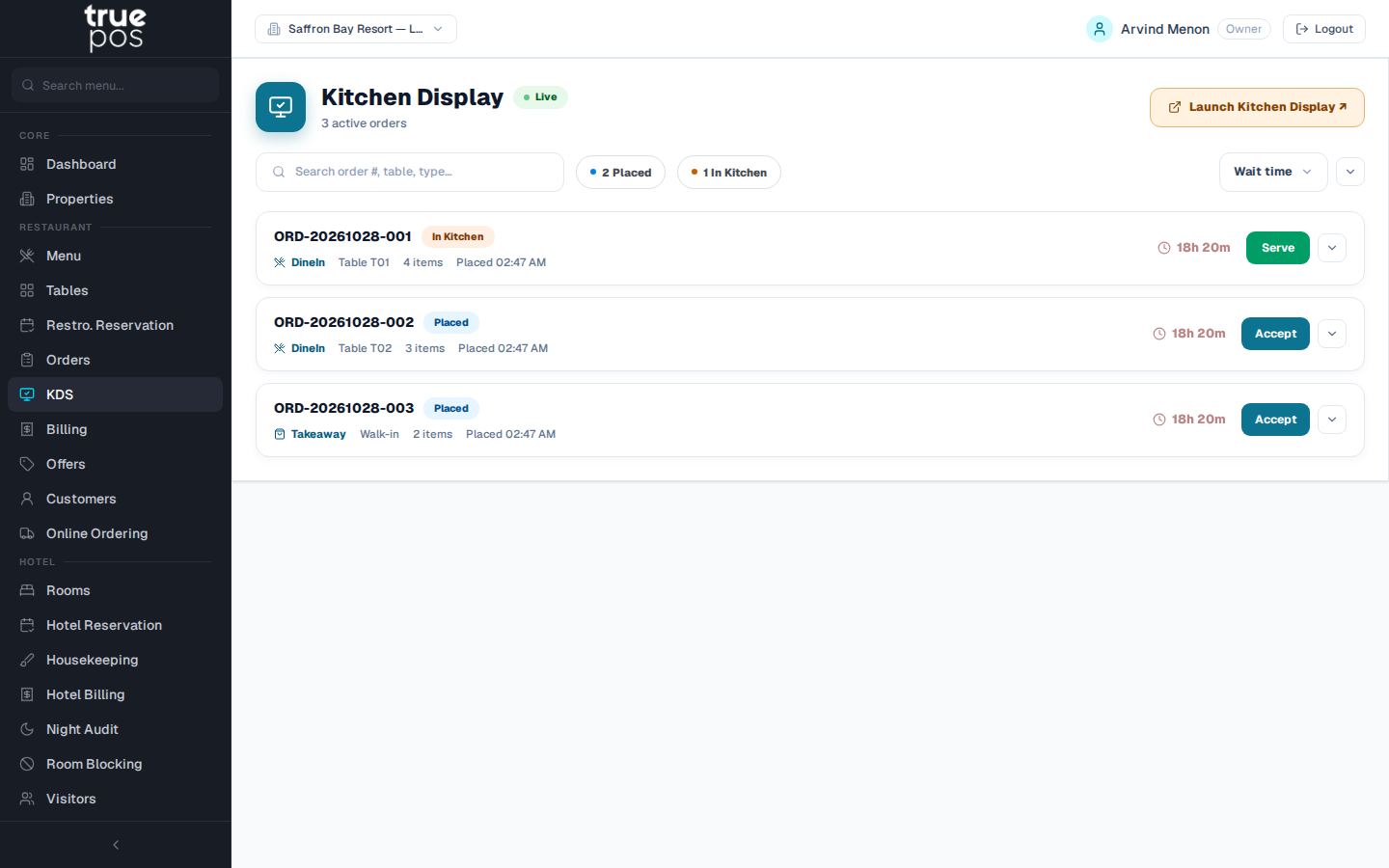
The KDS replaces paper KOTs with a screen in the kitchen. New orders appear in a live queue, an alert sound announces each one, and cooks mark items as they are prepared, so the floor team knows what's ready.
Billing
Generate GST-compliant bills with CGST/SGST calculated automatically. Take payment by cash, card or UPI, and print a receipt or send the bill to the guest on WhatsApp. Your logo, receipt layout and printer behaviour are set in Settings.
Offers & coupons
Create percentage, fixed-amount, buy-X-get-Y and happy-hour offers. Staff apply them at billing, for restaurant bills and hotel folios alike.
Customers
Every customer's contact details and order history are kept in one place. This record feeds the loyalty tiers in Customer Insights and the audiences in Campaigns.
Online ordering
Set up connections to food-delivery platforms such as Zomato and Swiggy, and map your menu items to each platform's item codes. Contact your truePOS partner to activate a platform for your outlet.